

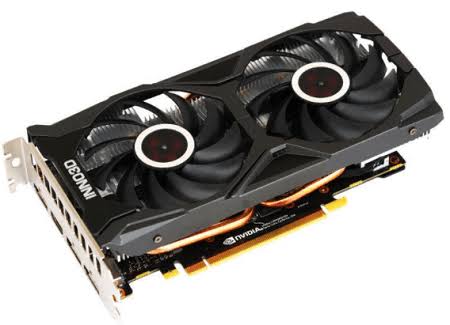
Best GPU for Gaming PC
Introduction
Aaj ke time me gaming PC build karte waqt Graphics Card (GPU) sabse important components me se ek hai. High-quality graphics, smooth gameplay, better FPS, high-resolution gaming aur advanced visual effects ke liye ek powerful GPU ki zarurat hoti hai.
Agar aap Best Graphics Card for Gaming PC search kar rahe hain, to sirf graphics card ki price ya memory dekhna enough nahi hai. GPU architecture, VRAM, memory type, cooling, power consumption, ray tracing support, resolution aur aapke processor ke saath compatibility jaise factors ko bhi consider karna chahiye.
Modern gaming graphics cards me ray tracing aur AI-based technologies gaming visuals aur performance ko improve karne me important role play karti hain. NVIDIA ki current GeForce RTX 50 Series, for example, Blackwell architecture, ray-tracing cores aur DLSS 4.5 jaise features offer karti hai
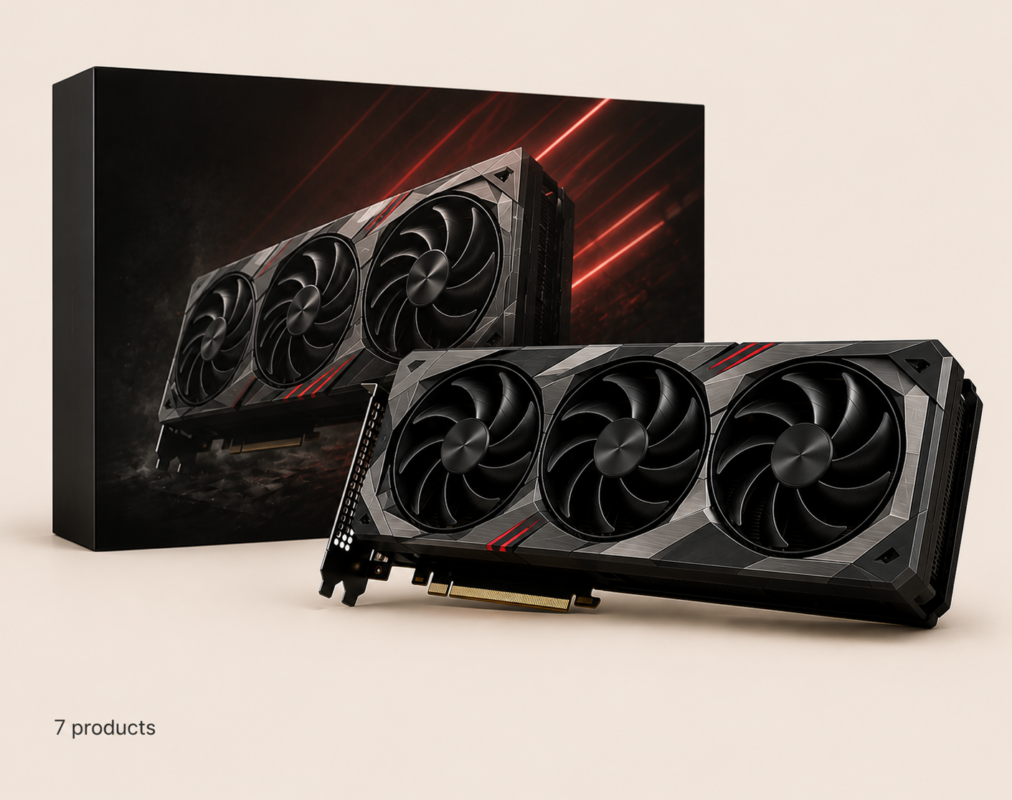
Graphics Card Kya Hota Hai?
Graphics Card ko GPU (Graphics Processing Unit) bhi kaha jata hai. Ye computer me images, videos, animations aur games ke graphics ko process aur render karne ka kaam karta hai.
Normal office work ke liye integrated graphics kaafi ho sakte hain, lekin modern gaming, 3D applications, video editing aur high-resolution graphics ke liye dedicated graphics card kaafi useful hota hai.
Gaming ke dauran GPU game ke visual elements ko process karta hai aur monitor par frames display karta hai. GPU jitna capable hoga, suitable settings aur game ke according utni better gaming performance mil sakti hai.
Gaming PC Ke Liye Graphics Card Kyun Important Hai?
Gaming performance par graphics card ka direct impact hota hai. Aapke game ki resolution, graphics settings aur desired FPS ke according GPU ki requirement change hoti hai.
Ek powerful graphics card aapko:
- Higher FPS provide kar sakta hai
- High graphics settings par gaming allow karta hai
- Better texture quality provide karta hai
- High-resolution gaming support karta hai
- Ray tracing jaise advanced effects handle kar sakta hai
- Modern games ke liye better performance provide kar sakta hai
Lekin GPU ko CPU, RAM, power supply aur monitor ke saath balance karna bhi zaroori hai.
Graphics Card Kharidte Samay VRAM Kya Hai?
VRAM (Video RAM) graphics card ki dedicated memory hoti hai. Games ke textures, graphics data aur rendering-related information ko store karne me VRAM ka use hota hai.
Graphics card choose karte samay VRAM ko ignore nahi karna chahiye.
General guideline ke taur par:
- Entry-level Gaming: Lower VRAM configurations basic gaming ke liye suitable ho sakti hain.
- 1080p Gaming: 8GB class GPUs ek common consideration hain.
- 1440p Gaming: Higher VRAM capacity useful ho sakti hai.
- 4K Gaming: 12GB, 16GB ya usse zyada VRAM wale GPUs kuch demanding games aur settings ke liye useful ho sakte hain.
Lekin sirf VRAM zyada hone ka matlab ye nahi ki graphics card automatically faster hoga. GPU architecture aur overall performance bhi equally important hain.
1080p Gaming Ke Liye Graphics Card
1080p gaming abhi bhi bahut popular resolution hai. Agar aapka gaming monitor Full HD hai, to aapko 4K-focused high-end GPU ki zarurat har situation me nahi hoti.
1080p gaming ke liye graphics card select karte samay:
- Game requirements check karein
- Target FPS decide karein
- Monitor refresh rate dekhein
- VRAM consider karein
- CPU-GPU balance check karein
Competitive games ke liye high FPS important ho sakta hai, jabki story-based games me graphics quality aur visual effects ko priority di ja sakti hai.
1440p Gaming Ke Liye Graphics Card
1440p gaming 1080p se higher image quality provide karti hai aur GPU par additional load dalti hai.
Agar aapke paas 1440p high-refresh-rate monitor hai, to mid-range se high-end graphics card ki requirement game ke according ho sakti hai.
1440p GPU choose karte samay:
- VRAM
- GPU performance
- Ray tracing performance
- Cooling
- Power requirement
- Monitor refresh rate
jaise factors ko compare karein.
4K Gaming Ke Liye Graphics Card
4K gaming me GPU workload kaafi increase ho jata hai. Isliye high-end GPU ki requirement zyada hoti hai, especially jab aap maximum graphics settings aur ray tracing use karna chahte hain.
4K gaming ke liye graphics card select karte samay higher VRAM capacity aur strong GPU performance ko priority dena useful ho sakta hai.
High-end GPUs jaise RTX 5080 aur RTX 5090 current GeForce lineup me 4K-oriented performance class me positioned hain.
Ray Tracing Kya Hai?
Ray Tracing ek graphics rendering technology hai jo lighting, reflections aur shadows ko more realistic banane me help karti hai.
Compatible games me ray tracing enable karne par visual quality improve ho sakti hai, lekin GPU par additional workload bhi aa sakta hai.
Isliye agar aap modern AAA games ko advanced visual effects ke saath play karna chahte hain, to ray-tracing performance ko graphics card select karte waqt consider karein.
NVIDIA ke RTX GPUs dedicated RT cores aur AI technologies ke through ray-traced graphics aur related features support karte hain.
DLSS Aur AI Upscaling Kya Hai?
Modern graphics cards me AI-based upscaling technologies gaming performance improve karne me useful ho sakti hain.
NVIDIA ki DLSS technology AI ka use karke supported games me image quality aur performance ko improve karne ke liye design ki gayi hai. Current RTX 50 Series me DLSS 4.5 aur Multi Frame Generation jaise features available hain.
Agar aap modern AAA games play karte hain, to supported upscaling aur frame-generation features aapke GPU selection ka important part ho sakte hain.
Graphics Card Me GDDR6 Aur GDDR6X Kya Hai?
Graphics cards me different memory technologies use hoti hain, jaise GDDR6 aur GDDR6X.
Memory technology GPU ke overall memory bandwidth aur performance characteristics ko affect kar sakti hai. NVIDIA ke RTX 40 Series ke different models me GDDR6 aur GDDR6X dono memory configurations dekhi ja sakti hain.
Isliye graphics card purchase karte samay sirf memory capacity nahi, balki memory type aur bandwidth ko bhi check karein.
Gaming Graphics Card Choose Karne Me Power Supply Ka Role
Graphics card purchase karne ke baad power supply ko ignore nahi karna chahiye.
High-performance GPUs zyada power consume kar sakte hain. Isliye GPU ki recommended system power requirement aur required power connectors ko check karke suitable PSU choose karein.
NVIDIA ki official specifications me GPU power aur recommended system power model ke according different hoti hai.
Important: PSU choose karte waqt sirf wattage nahi, balki PSU ki quality, efficiency aur appropriate power connectors bhi check karein.
Graphics Card Ki Cooling Kyun Important Hai?
Gaming ke dauran GPU continuously high workload par run kar sakta hai. Isliye effective cooling important hai.
Graphics cards me commonly:
- Single-fan cooling
- Dual-fan cooling
- Triple-fan cooling
jaise designs mil sakte hain.
Aapke PC cabinet me sufficient airflow hona bhi important hai. Large graphics card purchase karne se pehle cabinet me available GPU clearance bhi check karein.
Graphics Card Aur Processor Ka Balance
Gaming PC me CPU aur GPU ka balanced combination hona chahiye.
Bahut powerful GPU ko weak CPU ke saath pair karne par kuch games me CPU limitation performance ko affect kar sakti hai. Isi tarah powerful CPU ke saath bahut low-end GPU use karne par gaming performance GPU ke karan limited ho sakti hai.
Isliye graphics card ko processor, RAM, motherboard aur monitor ke saath match karke purchase karein.