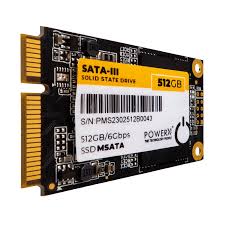

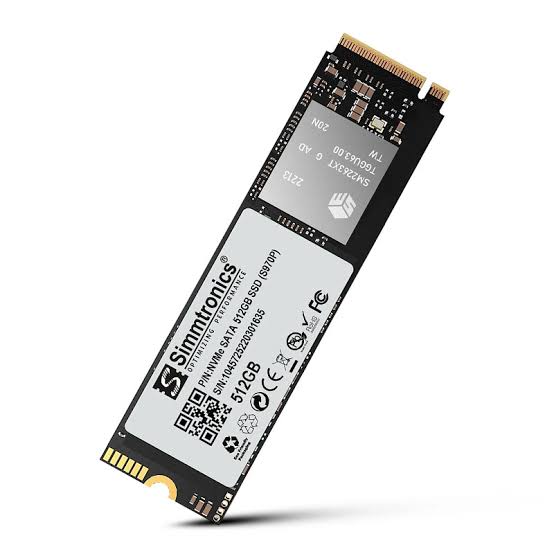
Which SSD Is Best for Gaming?
For gaming, an SSD can significantly improve game loading times compared with an HDD.
A 1TB NVMe SSD can be a practical choice for many gaming PCs because modern games can require a large amount of storage.
If your motherboard supports PCIe Gen 4, a compatible Gen 4 NVMe SSD can provide excellent performance. However, the best choice still depends on your budget and the games and applications you use.
Which SSD Is Best for Video Editing?
Video editors often work with large files, making storage performance and capacity particularly important.
For video editing, consider:
- High-capacity SSD storage
- Strong sequential read/write performance
- Good endurance
- Reliable controller and NAND
- Adequate cooling
- A suitable PCIe/NVMe interface
For large professional projects, you may also benefit from having separate drives for the operating system, applications, project files, and backup storage.
SSD Endurance and TBW
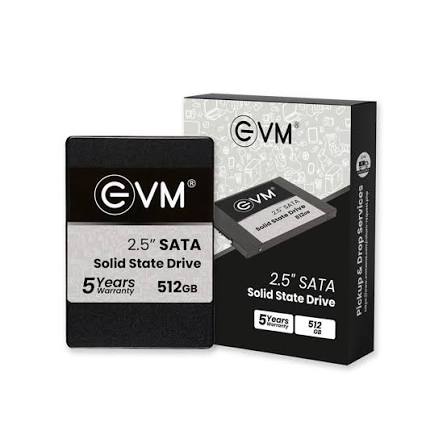
Another important specification is TBW (Terabytes Written).
TBW indicates the amount of data that can be written to an SSD over its rated lifespan.
For normal home and office use, many users may never reach the rated TBW of a quality SSD. However, endurance becomes more important for workloads involving frequent large file writes, such as professional video editing, data processing, or other intensive applications.
DRAM and DRAM-Less SSDs
Some SSDs include dedicated DRAM, while others use a DRAM-less design.
DRAM can help with certain storage-management operations and sustained workloads. However, a DRAM-less SSD is not automatically a bad SSD. Modern SSDs can use technologies such as Host Memory Buffer (HMB) to improve performance.
When comparing SSDs, consider the complete specification rather than choosing only based on whether the drive has DRAM
Common SSD Buying Mistakes to Avoid
Avoid these common mistakes when purchasing an SSD:
- Buying an SSD without checking motherboard compatibility
- Choosing capacity that is too small
- Focusing only on maximum advertised speed
- Ignoring SSD endurance
- Buying an unnecessarily expensive high-end SSD for basic office use
- Forgetting to keep backups of important data